None of these is an editing app. Editing is the part everyone already has covered, and it’s the least interesting thing a phone can do for you.
Almost every list of photography apps is a list of editors, which is strange when you think about how little time most of us actually spend editing compared to everything else. The phone turns out to be far more useful at the edges of the process than in the middle of it. Finding somewhere worth standing. Seeing a scene in monochrome before you commit to it. Getting a negative off the drying line and onto a screen. Putting the last ten percent onto a finished frame. These five do those jobs, and only one of them is really about pushing sliders.
ProCamera, for seeing in black and white before you shoot
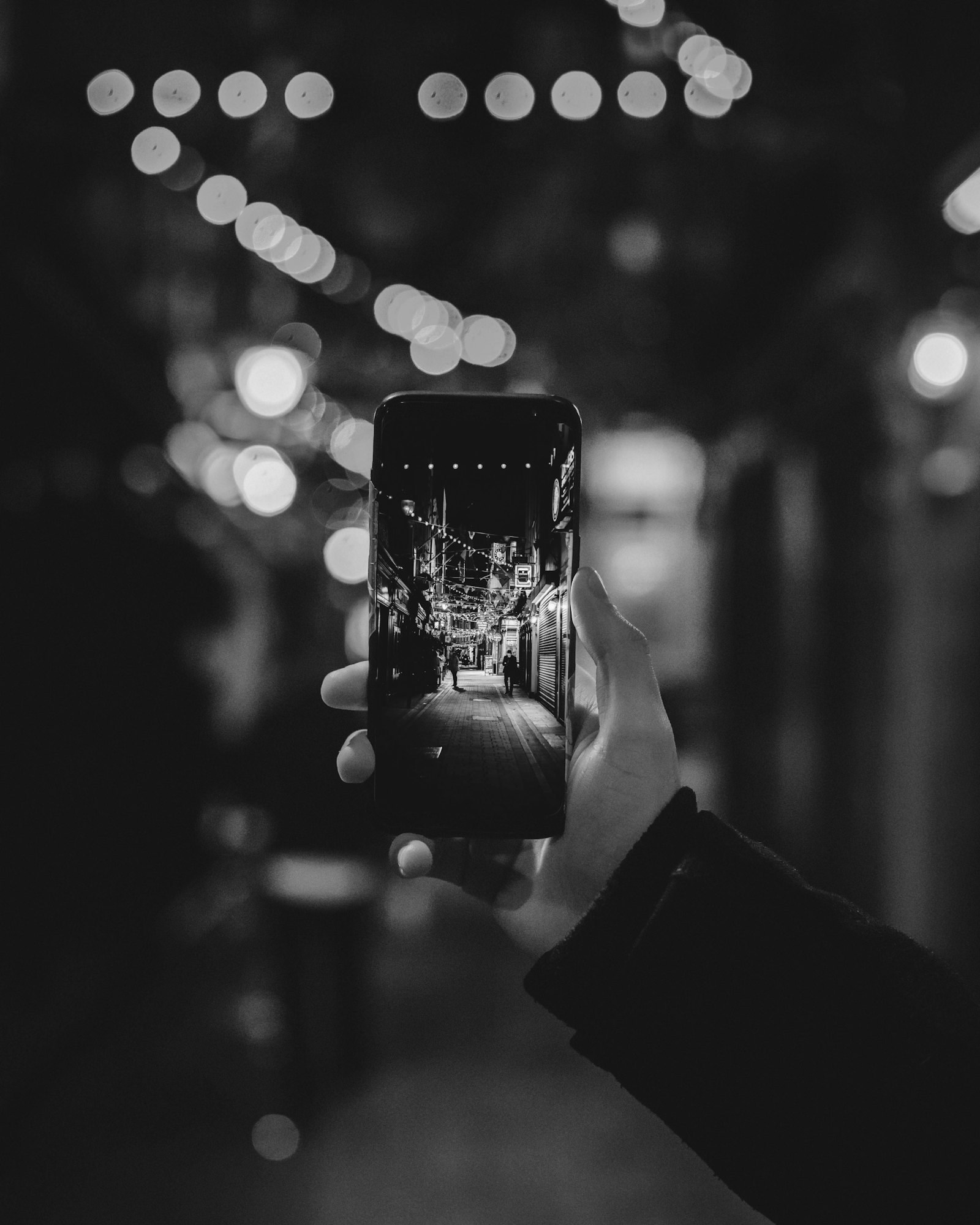
The single most useful thing a phone can do for a black and white photographer is show the picture in black and white while you are still standing in front of it. Version 17.2 of ProCamera added a live monochrome preview. You switch it on from the second page of the control panel, which puts a BW button into the viewfinder where you can actually reach it while shooting.
What makes it more than a gimmick is that nothing is thrown away. ProCamera saves the color original alongside the monochrome version, so the conversion stays reversible and you can redo it later or abandon it altogether. You commit at the viewfinder, which is the only place where committing does you any good, and nowhere else. It’s iOS only.
Locationscout, for finding somewhere worth standing

Locationscout is a database of photographic locations contributed by the people who shot there, somewhere north of 233,000 of them, each with a position on a map and notes about what works and when. It runs on both platforms, syncs with the website so you can plan at a desk and carry the result in your pocket, and it’s free with a premium tier.
The honest limitation is built into the idea. It rewards places that photographers already photograph, which makes it genuinely useful when you have one day somewhere unfamiliar and considerably less useful for finding something nobody has found yet. Used well it’s a way of not wasting a morning. Used badly it’s a way of making the same photograph as everybody else.
FilmBox, for getting negatives onto a screen

Hold a strip of negatives against a light source, press and hold the capture button, and FilmBox finds the individual frames by reading the sprocket holes, crops them and inverts them. It runs on iOS and Android, it’s free for a handful of scans and paid after that, and it handles both old black and white negatives and modern color.
Two caveats. The automatic cropping is what people complain about most, and it is the part you have least control over. And it comes from Photomyne, a company whose main business is digitizing family albums rather than serving photographers, which shows in places. It’s not a replacement for a proper scan. It is a very good way of seeing what you have on a roll without waiting.
Leica Lux, for borrowing somebody else’s rendering
Leica Lux is Leica’s own iPhone camera app, free to download with a Pro subscription for the full set. Version 2.0 arrived in early October with a redesigned interface. The Looks emulate Leica lenses and film renderings, and Pro adds manual control over shutter and ISO along with raw capture. The September update introduced an Artist Look built by Steve McCurry, which Leica says is the first of a series.
Be clear about what this is. You are not getting a Leica, and no app puts a Summicron in front of your phone sensor. What you are getting is a set of rendering decisions made by people who have thought about how a photograph should look for a very long time. That counts for something, and it counts for rather less than the subscription implies if you were already happy with your own conversions. iOS only.
Lens Distortions, for the last ten percent

Listed now as LD, this one adds fog, light leaks, sun flares and glass textures that were captured in camera from real materials rather than generated. It’s free with a subscription tier for the full library.
In black and white these do something more specific than they do in color. A light leak or a veil of fog is not a color effect here, it’s a tonal event. It lifts a shadow, flattens a corner, puts a soft bloom where there was nothing. Which is also the warning. Most of the damage done with this app is done by people who stack three effects at once and end up with a photograph that is mostly weather.
What these five have in common is that none of them really edits a photograph. They help you find a place, see in monochrome, read a negative, borrow a rendering, and finish a frame. The phone in your pocket is not a better darkroom than the computer on your desk and it never will be. It is a better notebook, a better light box, and once in a while, standing in front of something you are not sure about, a better viewfinder than the one you are looking through.